Mask controls
Wearing Somni Mask

PROThe next generation of Somni

Wake up
in
your
dreams

A smart sleep mask designed for your lucid dreaming practice.

A cue to notice you’re dreaming.

Designed around your night

What is the
Somni Mask?

A sleep mask that looks for REM-related eye movements and delivers adjustable light cues to help you recognize when you’re dreaming.

New electronics. Rewritten firmware. Bluetooth controls. Built around the same idea: a small cue at a meaningful moment.

Explore the mask
Somni Mask on a dark background
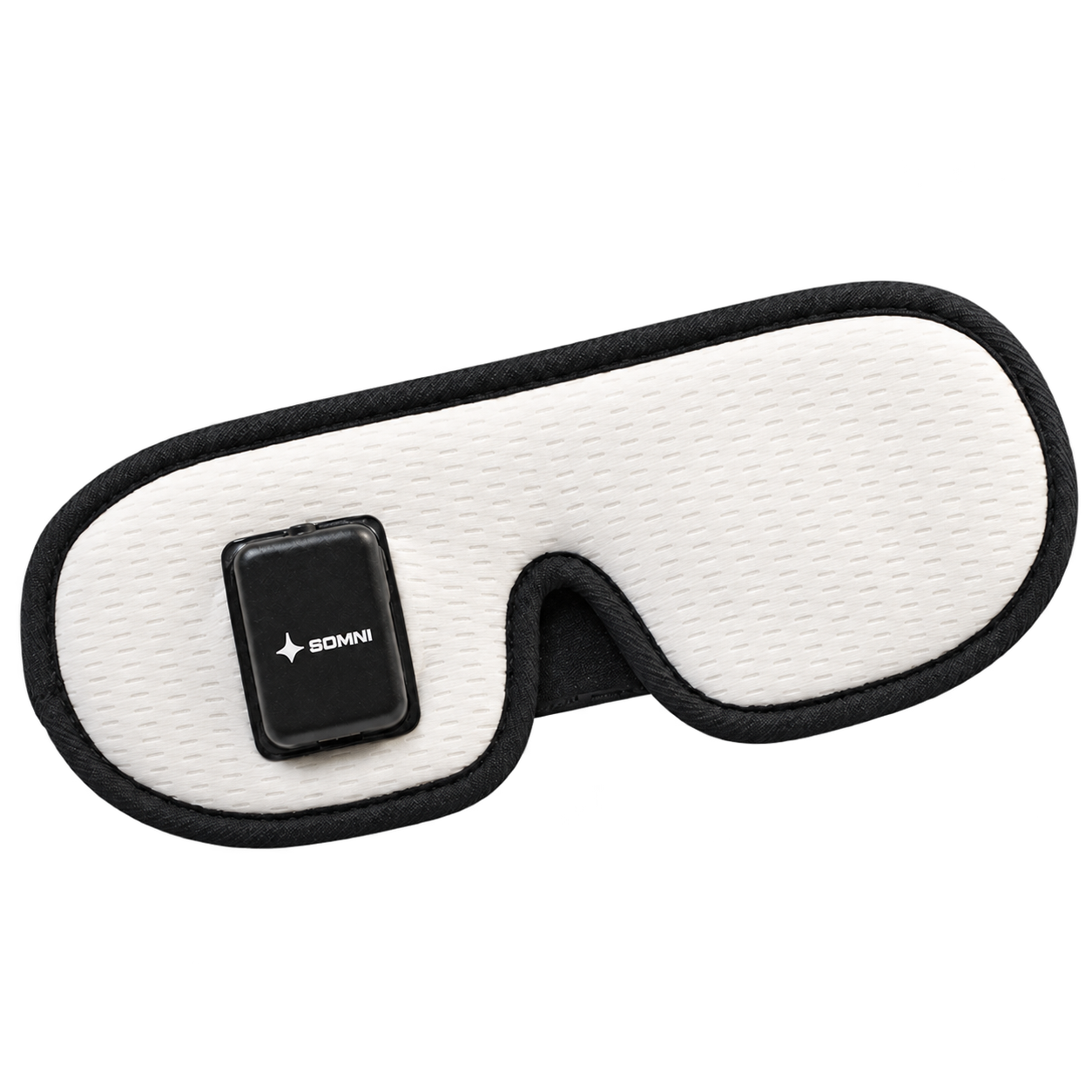
The sensor module sits over one eye.
Somni Mask on a bedside table beside a bed and lamp

Inside Somni Mask

A signal from the mask.
A possibility in the dream.

The mask combines eye-movement sensing with adjustable cues. Here’s what happens between setting it up and putting it on.

Eye-movement sensing

The timing starts with movement.

Four infrared sensors look for movement beneath a closed eyelid. The firmware on the mask evaluates this signal for movement patterns associated with REM sleep.

Detection runs on the mask. Bluetooth is used for settings and communication with the companion app.
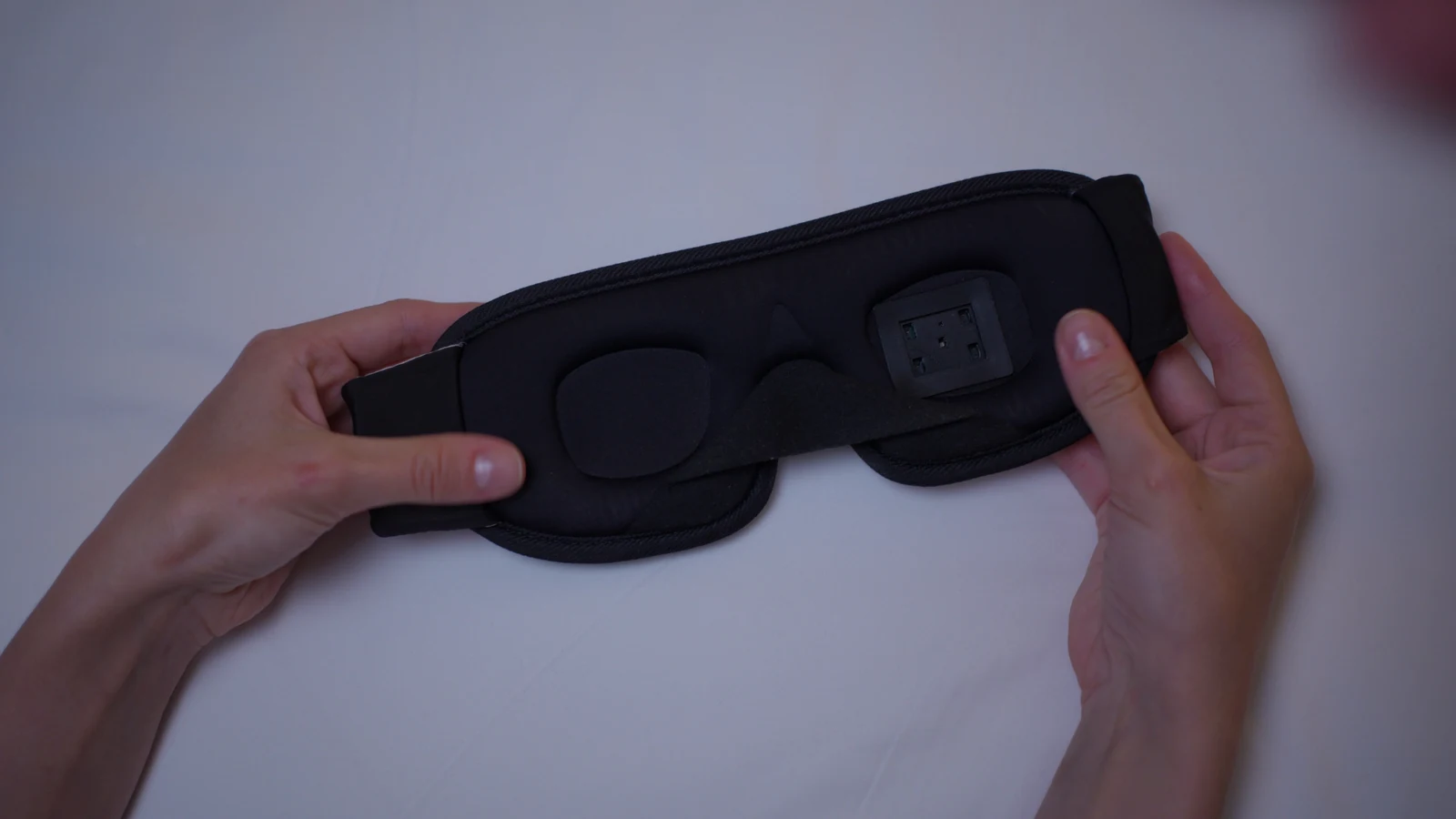
The inside of Somni Mask, showing the eye cups and infrared sensor window
Inside the mask
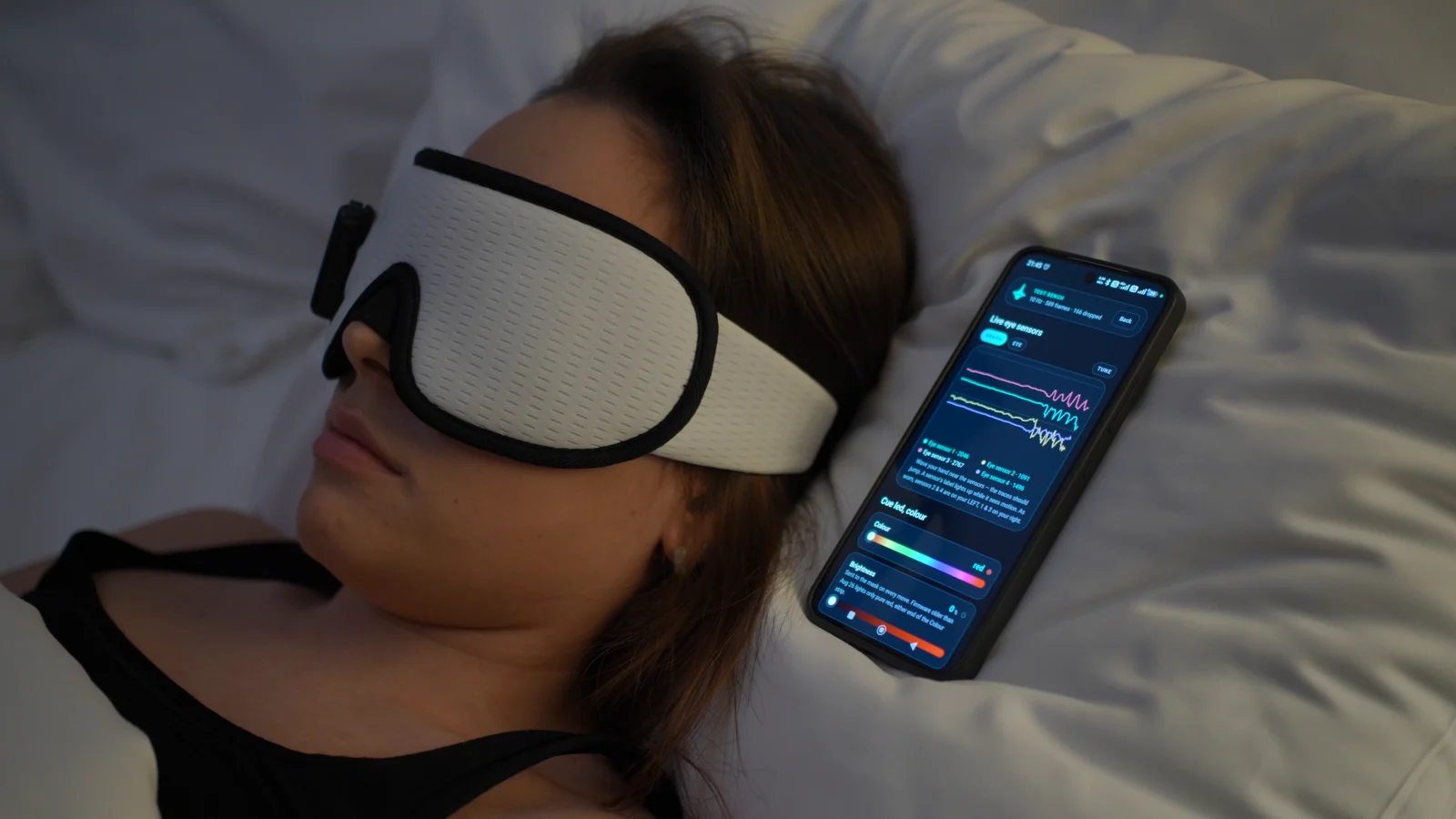
Awake demonstration: a person wearing the mask beside a phone showing live eye-sensor traces
Real hardware. A live sensor signal.

Adjustable cues

Choose a signal that feels right for you.

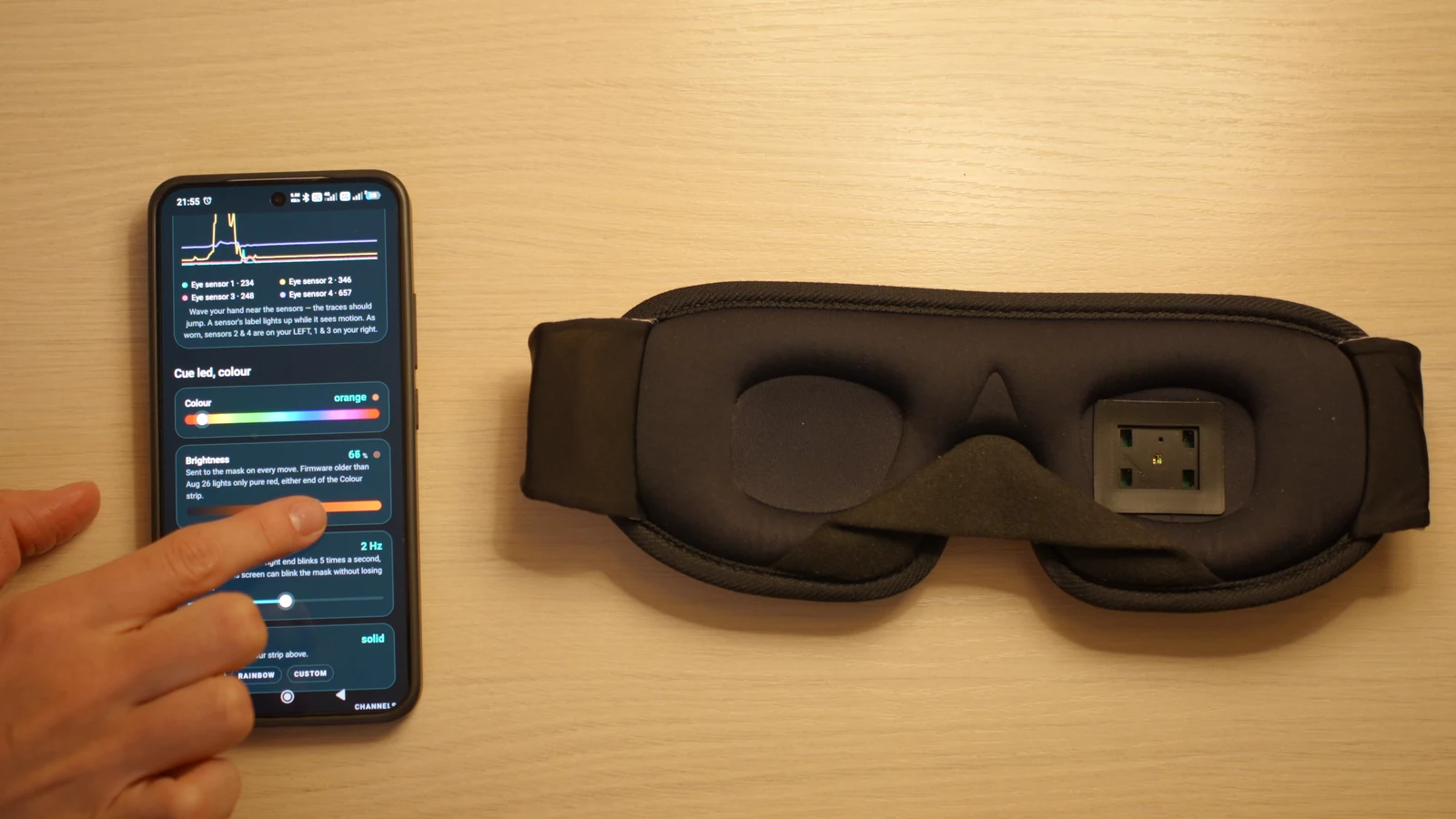
When the configured movement criteria are met, the mask delivers a light cue. You can adjust the color, intensity and timing.

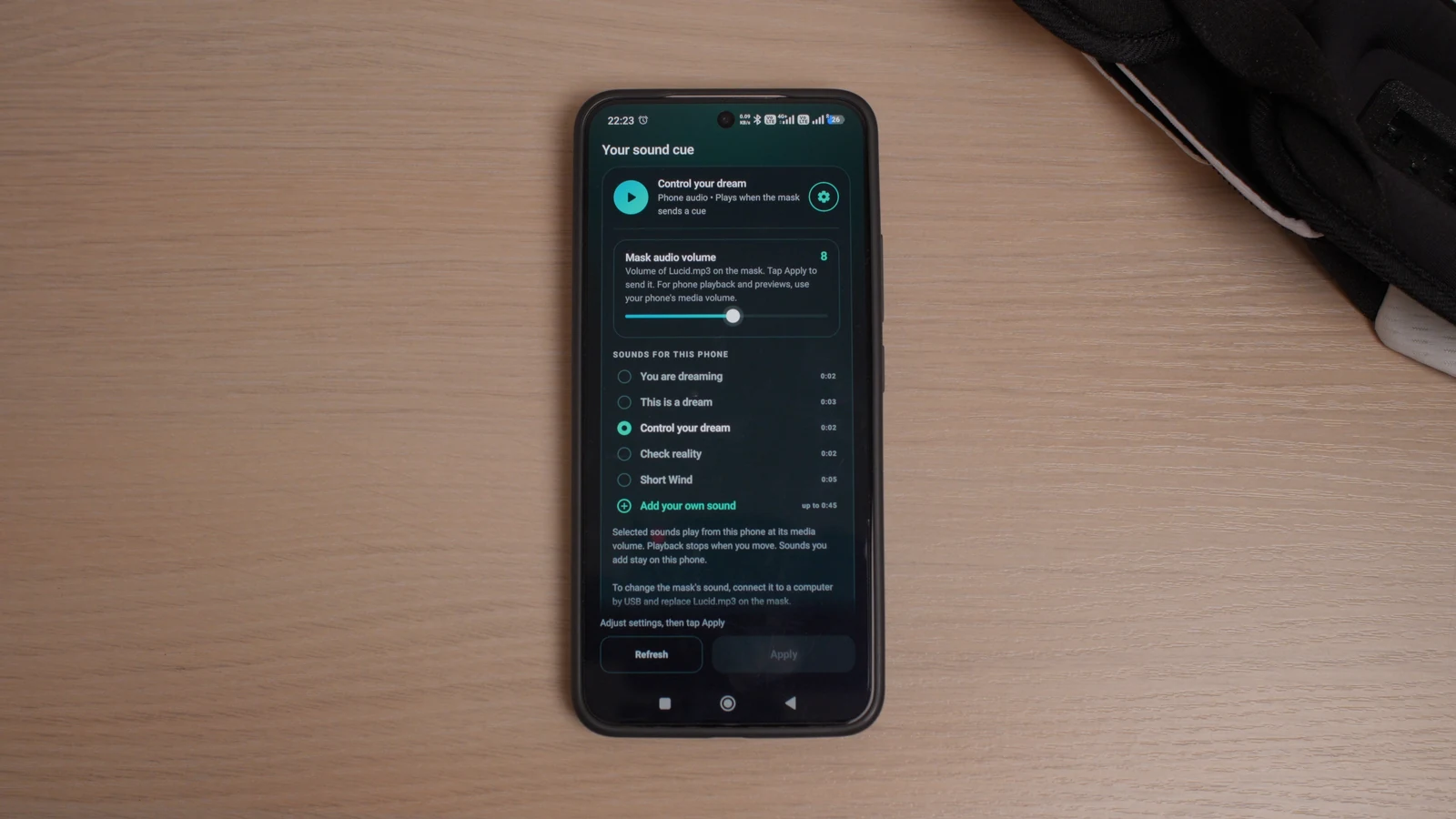
Sound is optional. The app can play a selected cue through your phone’s audio output, including connected headphones or a speaker.

Adjusting cue settings beside Somni Mask
Adjustable light-cue settings.

Bluetooth controls

Make adjustments before bedtime.

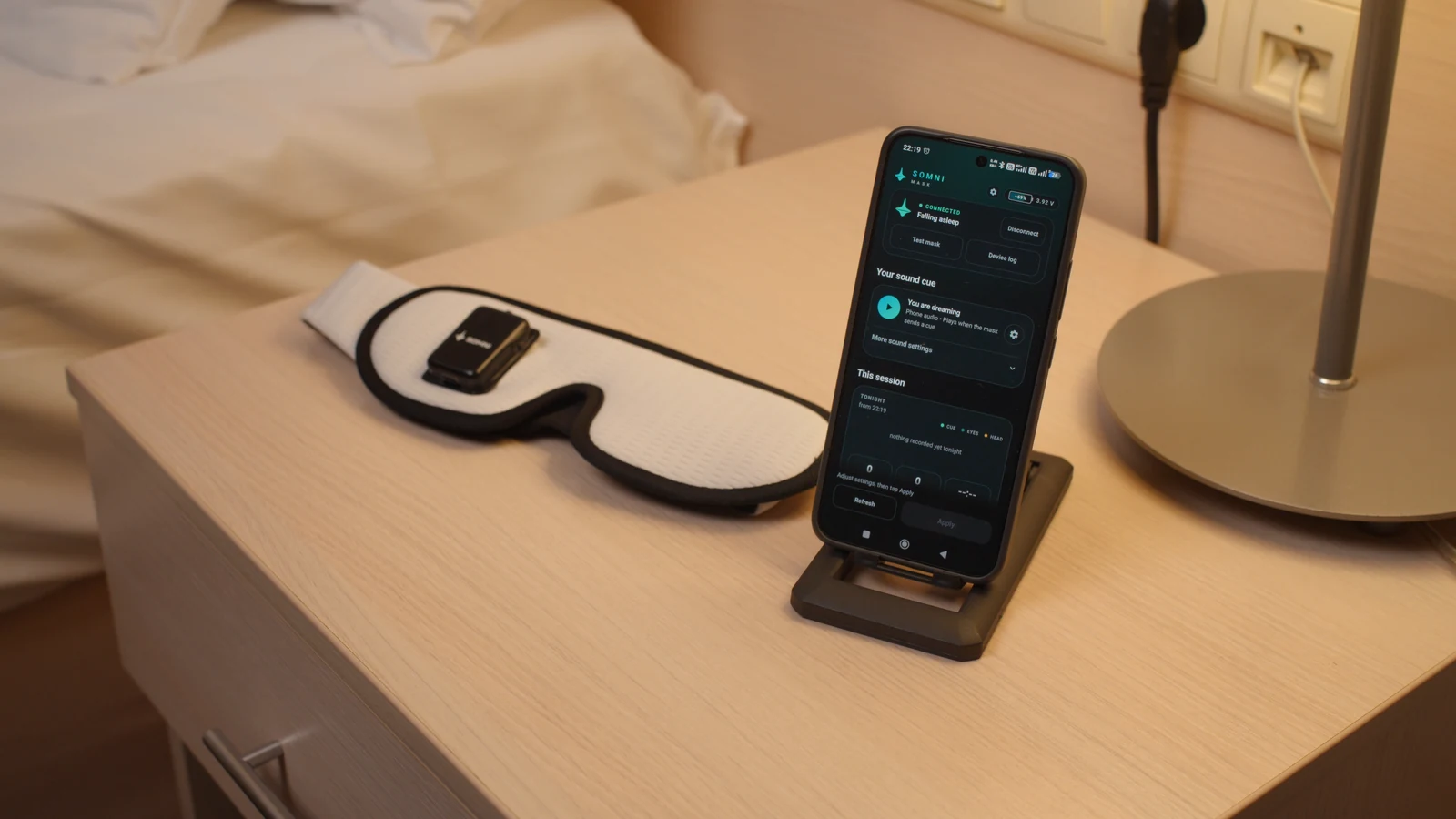
Use the app to change cue settings, choose your sound and view the battery level. Your control settings are sent to the mask over Bluetooth.

Check the battery level in the app before bed, and recharge the module over USB-C.

No account. No subscription.

Explore Mask controls
Somni Mask and a connected phone showing the Bluetooth app
Bluetooth setup on the app.
Selecting an audio cue on a real phone
Select a sound or import your own.

The fit

One mask. Your choice of side.

Choose module placement over the left or right eye to suit your personal preference.

Contoured eye cups create space around your eyes. Adjust the strap for a comfortable fit.

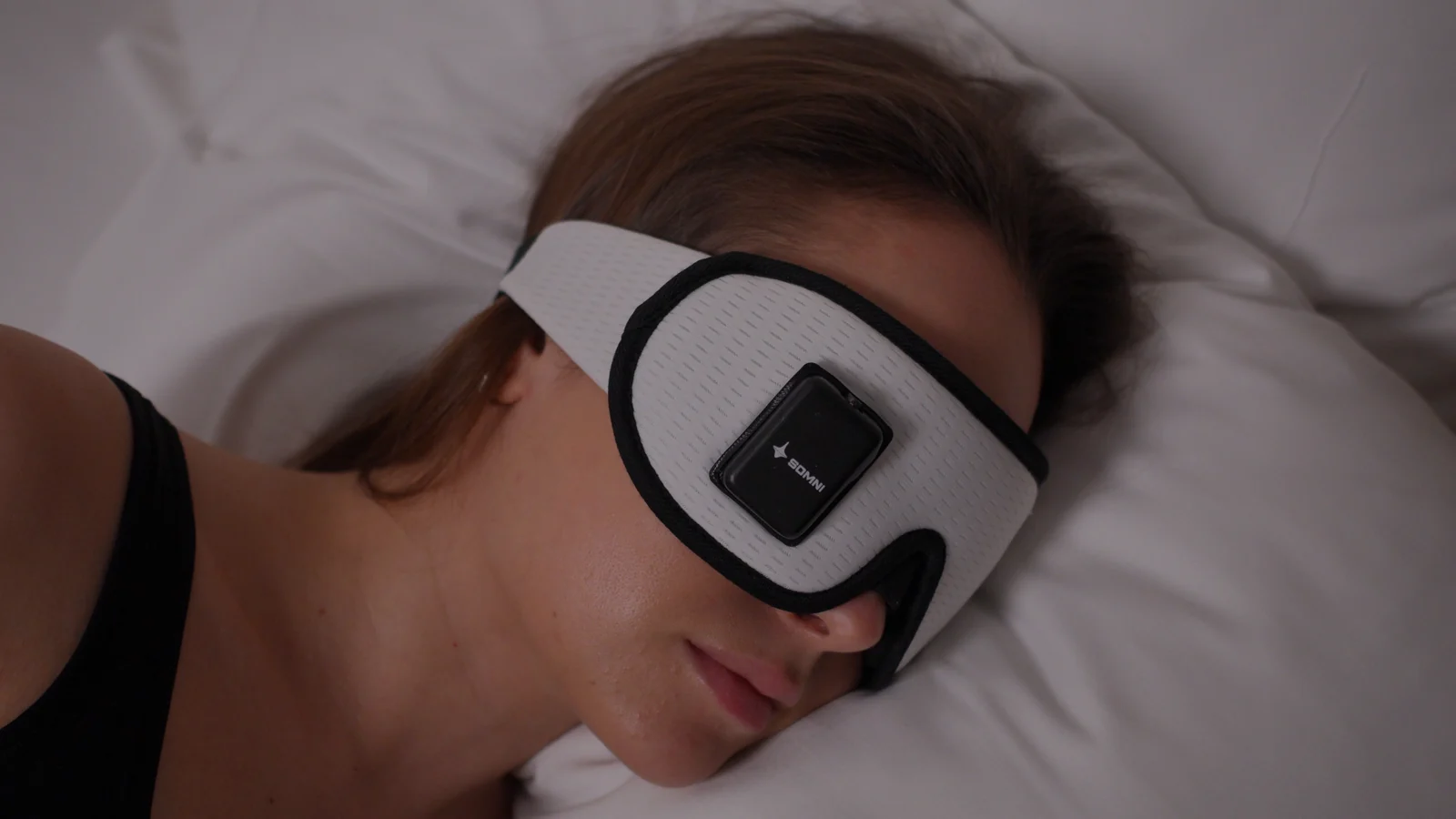
Somni Mask worn while lying on one side
Somni Mask worn on a model.
A model resting in bed wearing Somni Mask

Make room
for lucid
dreams.

Explore adjustable light cues, optional sound and Bluetooth controls, all in Somni Mask.